 Urban
Urban I compared five of the best publication schedule plugins for WordPress, and each one serves a different publishing style. The right pick depends on how you plan content: simple queues vs visual calendars vs team workflows vs built-in social integrations.
Here’s a quick preview of each plugin to come:
- Pheasantly lines your drafts up in a recurring weekly queue.
- SchedulePress combines a drag-and-drop calendar with automatic social sharing.
- PublishPress Planner gives editorial teams Kanban boards and custom notifications.
- Editorial Calendar keeps things simple with a clean visual schedule.
- Nelio Content goes furthest, adding tasks, analytics, and automated resharing.
For each plugin, I cover the standout features, what sets it apart, and who it suits best. The list mixes free tools with premium upgrades, so you can start small and scale up later. By the end, you’ll know which one fits your publishing routine.
Pheasantly
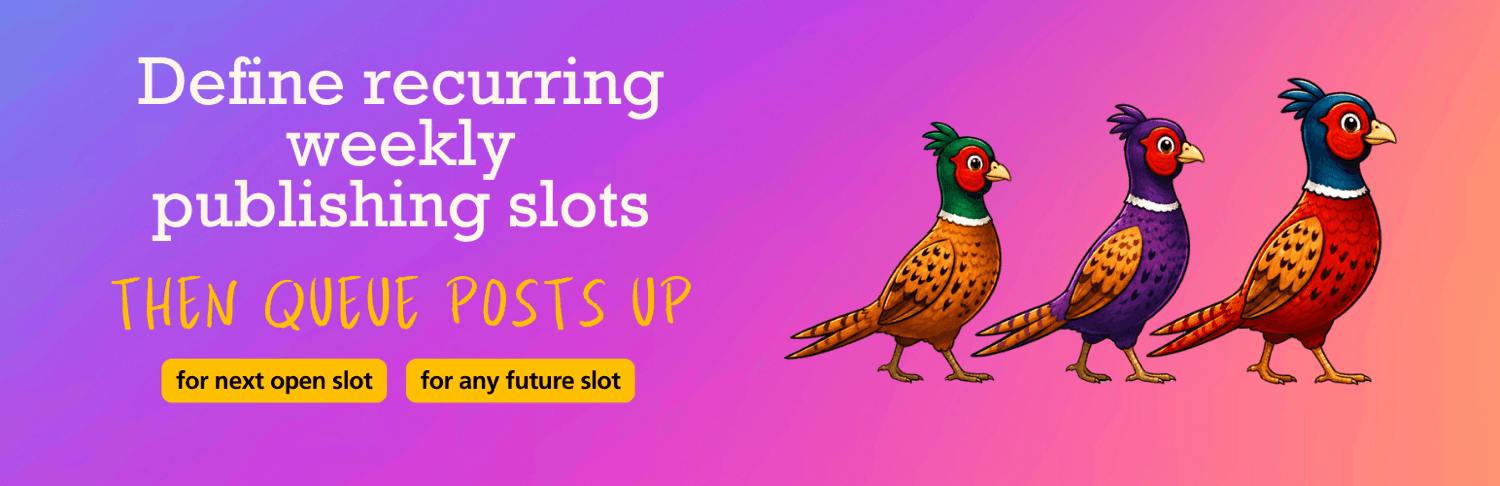
Pheasantly turns WordPress publishing into a recurring weekly queue. You create reusable publication slots, then assign drafts to the next available slot instead of working out each post’s date manually.
Standout features
Pheasantly keeps the scheduling process focused on publication order. Its main features include:
- Reusable weekly slots for regular publishing
- Automatic assignment to the next available slot
- Occupied-slot avoidance during queue management
- Manual selection of a specific publication slot
- Calendar and list views for reviewing queued posts
- Native WordPress scheduling for scheduled content
The plugin also lets you review the queue in either calendar or list format. That gives you a quick way to check upcoming posts, spot occupied slots, and select a specific opening when the next available date does not fit your plan.
What sets it apart
I see Pheasantly as the only plugin in this list built specifically around a lightweight, recurring post queue. It focuses on lining up content for regular publication instead of adding a broader set of editorial management tools.
Pheasantly uses ordinary WordPress scheduled posts underneath. As a result, posts already placed in the queue remain scheduled even after you deactivate the plugin. That gives the queue a simple foundation inside WordPress itself.
Who it’s for
Pheasantly suits batch writers, bloggers with fixed publishing rhythms, and editors who want a straightforward way to line up posts. It works especially well when content should go live one post at a time on recurring weekly slots.
I would choose it for a site that needs a clear publishing rhythm without a complicated editorial workflow. Its purpose stays narrow: create slots, add drafts, and let WordPress publish the queued posts on schedule.
SchedulePress
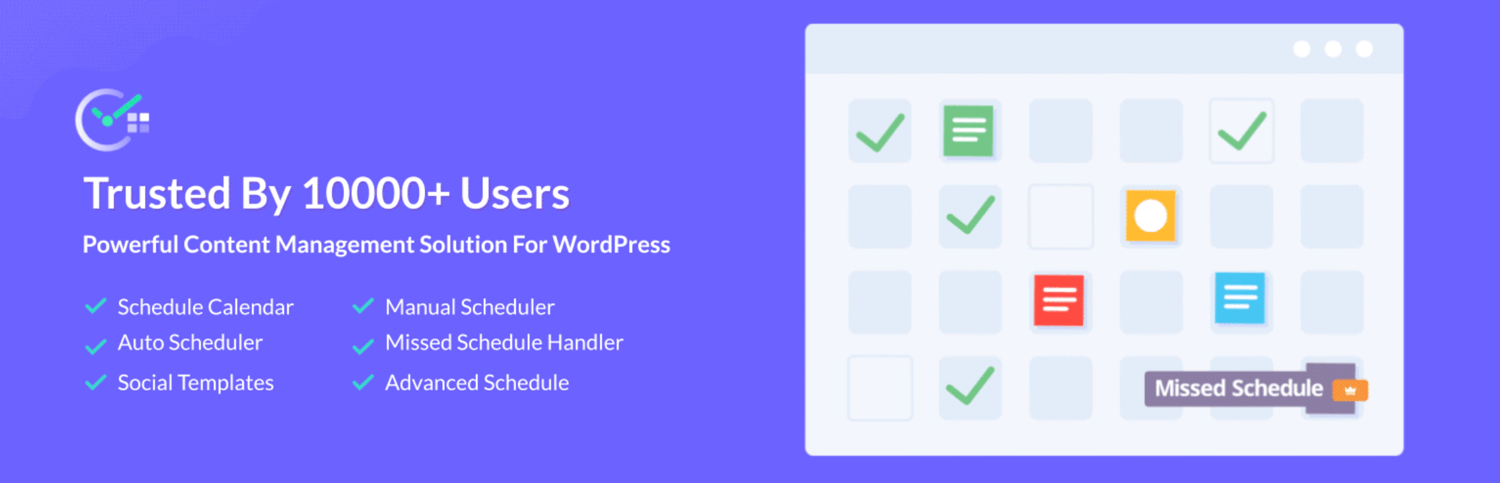
SchedulePress is a strong choice for sites that need post scheduling, editorial planning, and social sharing in one plugin. Its visual calendar helps you organize upcoming content, while its automation tools can publish posts, notify authors, share content socially, and recover posts that WordPress failed to publish on time.
Standout features
The plugin uses a drag-and-drop calendar for planning scheduled, published, and draft posts. You can move content to a different date directly from the calendar, review your publishing queue, and create posts from the calendar interface. This gives editors a clearer view than the standard WordPress scheduling screen.
SchedulePress also includes tools for multi-author sites. Editors can coordinate publishing dates, manage content from a shared calendar, and send email notifications to authors. These features reduce the need for separate messages and help contributors understand where their posts fit within the publishing plan.
Its social sharing tools automatically distribute published content to connected platforms. You can create custom social templates for different networks, so each post does not need to be rewritten manually after publication. Pro users also get additional scheduling controls, missed-schedule recovery, and scheduled content updates.
Key features include:
- Drag-and-drop editorial calendar
- Automatic social sharing
- Multi-author schedule management
- Custom social sharing templates
- Missed-schedule recovery with Pro
- Scheduled content updates with Pro
What sets it apart
SchedulePress covers several parts of the publishing process instead of focusing only on assigning dates to posts. The calendar handles planning, the scheduling tools manage publication times, and the social features extend the workflow after a post goes live.
The missed-schedule handler is useful for sites that depend on posts publishing at specific times. WordPress can occasionally fail to publish scheduled content, so this feature provides an extra way to catch and publish posts that were missed. It is available in the Pro version.
The plugin also supports recurring publishing workflows through its Auto Scheduler and Manual Scheduler tools. You can set general publishing patterns or choose specific dates and times for individual posts. This gives editors control over both routine content and one-off campaigns.
Who it’s for
SchedulePress suits publishers who want scheduling and social promotion handled from the WordPress dashboard. It works well for busy blogs, news sites, and multi-author publications where editors need to manage several posts across a shared calendar.
It can also help solo site owners who publish often and want to reduce repetitive work. The plugin is less suitable if you only need a simple queue for assigning the next available publication slot. In that case, a focused scheduling plugin such as Pheasantly may provide a cleaner workflow.
PublishPress Planner
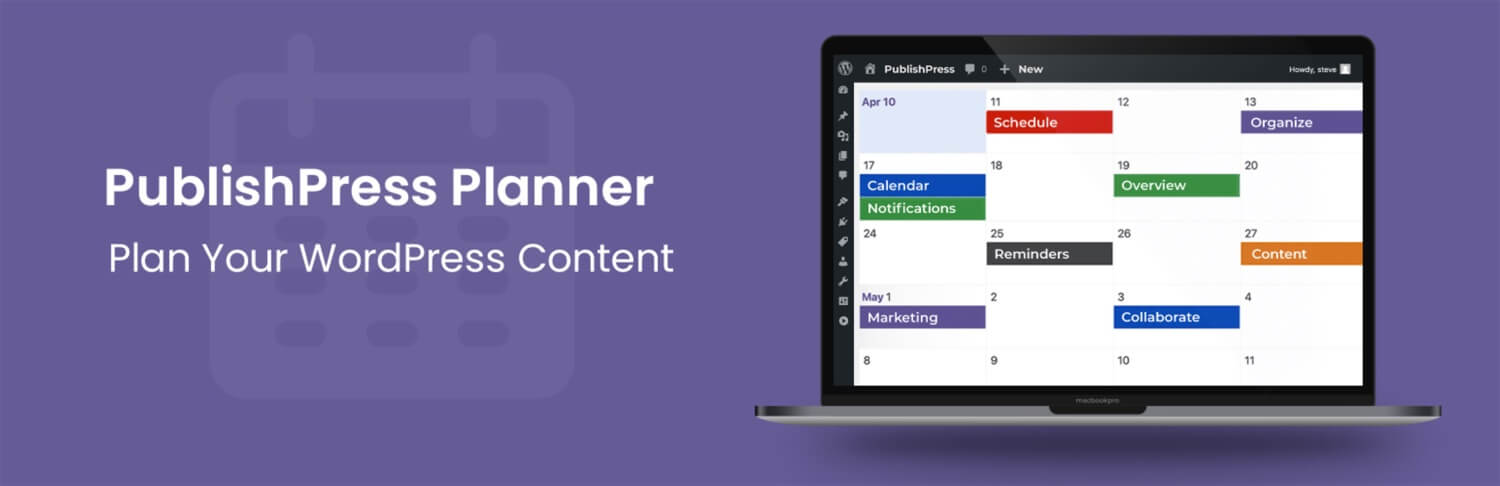
PublishPress Planner is the strongest choice for teams that need to manage content production, publishing dates, and internal communication from inside WordPress. It combines several planning views with workflow tools, giving editors a clear picture of every post and its current stage.
Standout features
The filterable content calendar shows planned and published content by date. You can filter posts by status, category, user, or post type, then drag and drop items to change their publication dates. This makes it easier to spot gaps, overloaded weeks, and approaching deadlines.
The content overview organizes posts by status, category, or assigned user instead of publication date. It also supports a printable overview, which can help teams review upcoming work during meetings or share a simple production plan outside WordPress.
The Kanban content board groups posts into columns based on their current status. Team members can drag posts from Draft to Pending Review, Scheduled, Published, or other stages. This gives everyone a quick view of unfinished work and the next step for each post.
PublishPress Planner also supports custom notification workflows. You can notify selected users or groups when posts change status, enter specific categories, or meet other conditions. The Pro version adds Slack notifications and reminders before or after publication through the official Planner documentation.
What sets it apart
PublishPress Planner focuses on internal coordination rather than social distribution. SchedulePress combines planning with automated social sharing, while Nelio Content places more emphasis on content promotion (more on it in a sec). PublishPress Planner instead helps editors assign responsibility, monitor progress, and keep production moving inside the WordPress dashboard.
Its Kanban board and notification settings make the biggest difference for structured workflows. A small team can use the calendar alone, while larger publications can connect content stages, reminders, comments, and team alerts into one working system.
Who it’s for
PublishPress Planner suits editorial teams, agencies, publications, and multi-author websites that handle several pieces of content at once. It works best when writers, editors, and managers need shared visibility into ownership, review status, deadlines, and upcoming publication plans.
I would choose it for a site that needs a repeatable editorial process instead of simple post scheduling. Solo bloggers may find its workflow features unnecessary, but teams that regularly review and coordinate content can use them to reduce confusion and missed handoffs.
Editorial Calendar
Editorial Calendar adds a simple visual publishing calendar to WordPress, making it easier to see upcoming content and change publication dates from one screen. I can create, edit, schedule, and move posts without repeatedly opening the full WordPress editor.
Standout features
The plugin focuses on practical calendar controls instead of adding a large set of unrelated publishing tools. Its main features include:
- Drag-and-drop scheduling for changing publication dates
- Quick editing for post titles, content, and publishing times
- A drafts drawer for keeping unscheduled posts close at hand
- Clear visibility into draft, scheduled, pending, and published content
- Support for custom post types
- Visibility into content created by multiple authors
The drafts drawer is useful when I have several unfinished posts waiting for a place in the publishing plan. I can review those drafts beside the calendar, then move selected posts into the schedule when they are ready.
What sets it apart
Editorial Calendar is the most calendar-focused option in this list. It does not add social media sharing, recurring publication queues, or detailed workflow automation, so the interface stays easier to understand for users who want direct control over individual posts.
That focused design also limits what the plugin can do. It works best when I prefer to review the calendar and choose publication dates manually. Users who need automated recurring schedules, social distribution, or team communication will likely need a broader tool.
Who it’s for
Editorial Calendar suits solo bloggers and small teams that mainly need a clearer view of upcoming posts. It gives me a practical way to organize content visually without adding a complicated editorial system to the WordPress dashboard.
It is a strong fit for manual scheduling and basic content planning. If I want to move posts around, check upcoming publication dates, and make quick changes from a calendar, this plugin provides those controls without unnecessary complexity.
Nelio Content

Nelio Content is the strongest choice for managing publication schedules alongside social promotion and content performance. It combines an editorial calendar, social media scheduling, task management, quality checks, and analytics inside WordPress.
Standout features
Nelio Content brings planning, publishing, promotion, and review into one connected workflow. Instead of managing the editorial calendar in one tool and social updates somewhere else, I can organize both parts from the WordPress dashboard.
Its main features include:
- A unified editorial calendar for planning upcoming content
- Social auto-posting across supported social networks
- Automated resharing for older published content
- Editorial tasks, checklists, and content quality checks
- Integrated analytics for reviewing content performance
- Support for managing several social channels
The social features help extend the life of published posts. After an article goes live, Nelio Content can support continued promotion through scheduled sharing and automated resharing. This gives older content another opportunity to reach readers without requiring repeated manual work.
What sets it apart
Nelio Content focuses on the full content marketing workflow instead of publication scheduling alone. I can plan an article, assign related tasks, check its progress, schedule social promotion, and review performance without switching between several separate systems.
SchedulePress also includes social sharing and editorial planning, but Nelio Content places greater attention on campaign management and content results. Its combination of editorial tasks, checklists, promotion, and analytics makes it useful for teams that treat every post as part of a larger marketing plan.
This broader approach can also improve consistency. Writers and editors can follow the same process for each article, while marketers can coordinate social promotion around the publication schedule. The result is a clearer connection between creating content, publishing it, promoting it, and measuring its results.
Who it’s for
Nelio Content is best suited to marketers, agencies, and publishers who manage both a WordPress website and its social promotion. It works especially well for teams that need shared planning tools, repeatable editorial tasks, and performance information in the same workspace.
I would choose it for a site that publishes regularly and promotes articles across several social channels. It is also a practical option for agencies managing content campaigns for clients, since the editorial calendar and task features can help keep production organized.
Solo bloggers who only need a basic publication calendar may not use its full feature set. For those users, a simpler scheduling plugin can be easier to manage. Nelio Content makes the most sense when planning, promotion, and analytics all form part of the same publishing process.
Side-by-side comparison
| Plugin | Best for | Visual calendar | Recurring queue | Team workflow | Social sharing | Model |
|---|---|---|---|---|---|---|
| Pheasantly | Recurring post queues | ✅ | ✅ | Basic | ❌ | Free |
| SchedulePress | All-in-one automation | ✅ | Pro auto-scheduler | Good | ✅ | Freemium |
| PublishPress Planner | Editorial teams | ✅ | ❌ | Excellent | ❌ | Freemium |
| Editorial Calendar | Simple visual planning | ✅ | ❌ | Basic | ❌ | Free |
| Nelio Content | Content marketing | ✅ | ❌ | Good | ✅ | Freemium |
Choosing the right publishing setup
After reviewing these five plugins, I found that each one served a different publishing style.
- Pheasantly handled recurring queues,
- SchedulePress combined scheduling with social sharing,
- PublishPress Planner supported detailed team workflows,
- Editorial Calendar kept scheduling simple,
- Nelio Content connected publishing with promotion, tasks, and performance tracking.
The right choice depended on how much control and coordination the site required. Solo bloggers often benefited from a clear calendar, while larger teams needed shared workflows and notifications. Publishers focused on promotion gained useful social tools, and batch writers gained a practical way to keep posts moving through an organized queue.
Which of these plugins best matched the way you preferred to plan and publish content?